Anonymous Verified Buyer
" Very responsive and helpful, competitive pricing. Good source! "
July 2025
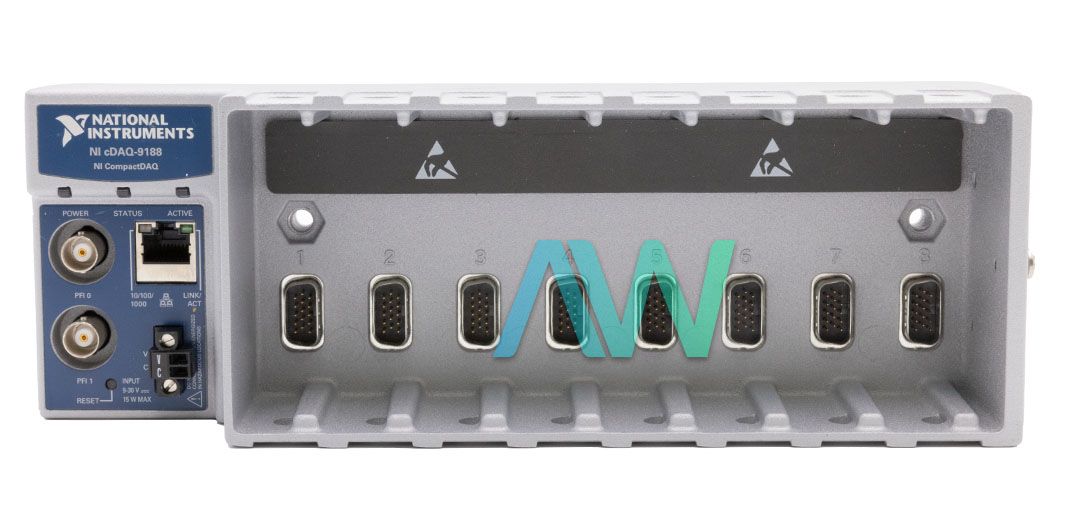
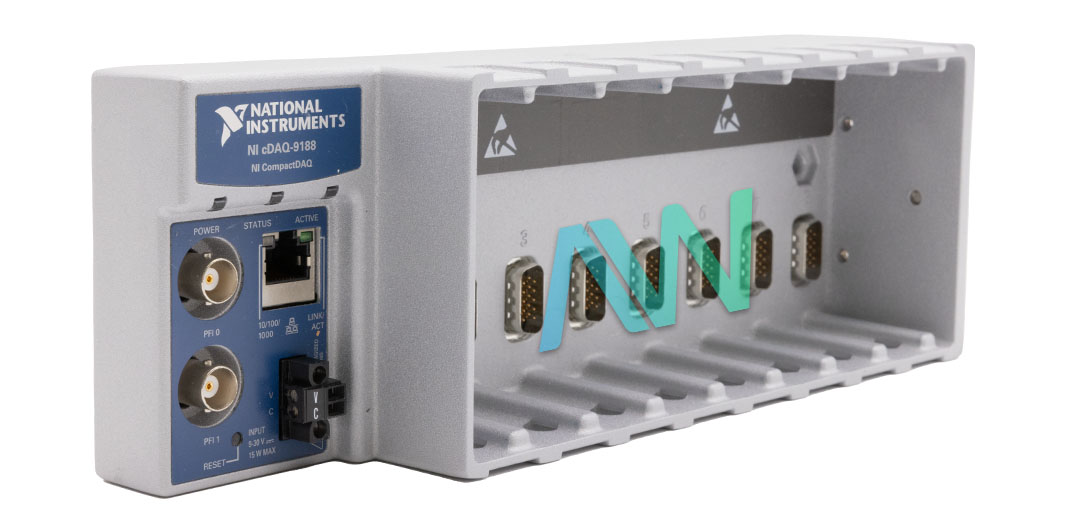
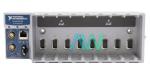
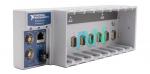
cDAQ-9188, 8 Slots, 2 PFI BNC Connectors, CompactDAQ Chassis
Rated 4.67/5 | 12 ratings
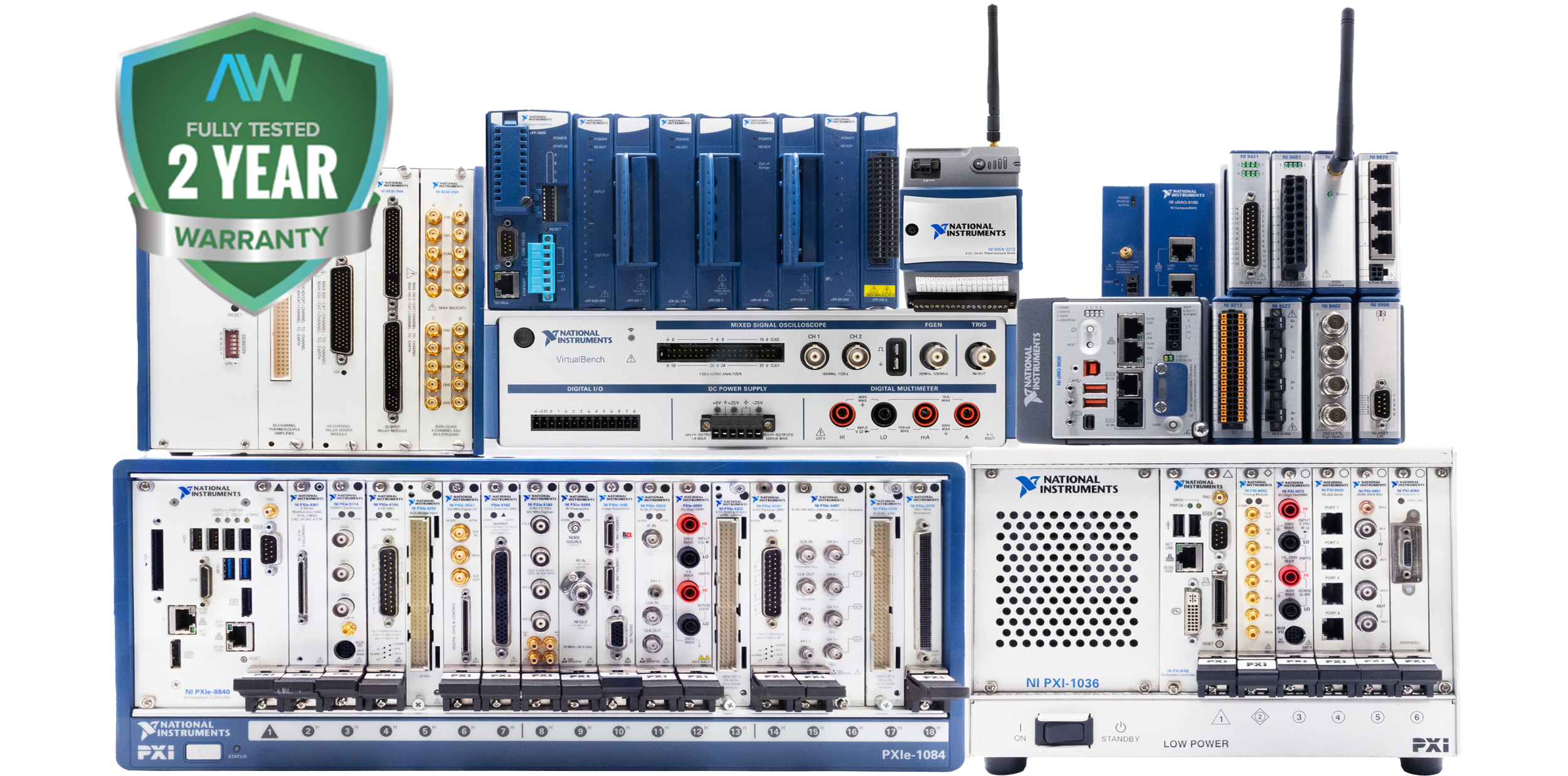
Actual item may vary if no part number is provided on quote request.
✔ 2 Year Warranty Included
✔ Free Ground Shipping
✔ NIST Calibration Available
Anonymous Verified Buyer
" Very responsive and helpful, competitive pricing. Good source! "
July 2025
Andrew Gar**** Verified Buyer
" Amazing to work with and had my order within 1 week after purchasing with all NI certs and data that were needed. "
March 2025
Said Sai**** Verified Buyer
" Competent contact for highly specialized components. The support team is very knowledgeable. Many thanks for the help and the fast shipping! "
January 2025
Bob C**** Verified Buyer
" Jason was able to get our emergency situation taken care of quickly and professionally. "
May 2025
Gregg Flecki**** Verified Buyer
" Great service and great products. This is my 2nd time using Apex Waves, truly impressed. "
January 2025

Carol Zimme**** Verified Buyer
" Very responsive and helpful, competitive pricing. Good source! "
July 2025
Andrew Gar**** Verified Buyer
" Amazing to work with and had my order within 1 week after purchasing with all NI certs and data that were needed. "
March 2025
Said Sai**** Verified Buyer
" Competent contact for highly specialized components. The support team is very knowledgeable. Many thanks for the help and the fast shipping! "
January 2025
Bob C**** Verified Buyer
" Jason was able to get our emergency situation taken care of quickly and professionally. "
May 2025
Gregg Flecki**** Verified Buyer
" Great service and great products. This is my 2nd time using Apex Waves, truly impressed. "
January 2025
National Instruments cDAQ-9188 CompactDAQ Chassis
The cDAQ-9188 (Part Numbers: 781424-01, 782824-01, 190672G-01L) The CompactDAQ chassis allows the user to utilize DAC to produce a waveform so they may see glitches on the output signal. These glitches are ordinary; glitches will be produced from released charges when a DAC changes, starting with one voltage and then moving on to the next. The biggest glitches happen when the most significant bit of the DAC code changes. Users can construct a low-pass deglitching channel to remove a portion of these glitches, contingent upon the frequency and nature of the output signal. Each of the DIO lines can be used as either a static DI or DO line. The user can utilize static DIO lines to screen or control advanced signals on some C Series modules. Each DIO line can be exclusively designed for digital input (DI) or digital output (DO) if the C-Series module being utilized permits such a setup. Users can gain advanced waveforms utilizing either parallel or serial computerized modules. The DI waveform securing FIFO secures the computerized tests. The NI cDAQ-9188 chassis tests the DIO lines on each rising or falling edge of the DI sample clock flag.
The user can utilize the DI Sample Clock (di/SampleClock) signal to test computerized I/O on any space using parallel advanced modules and store the outcome in the waveform procurement FIFO. The cDAQ-9188 is equipped with 8 slots and an Ethernet bus connector and has a timing resolution of 12.5 ns. It has a voltage input range of 9 V to 30 V and a maximum power requirement of 15 W.
The cDAQ-9188 is operated using the NI-DAQmx 9.2 driver software, which is a software package/application development environment (ADE) such as LabVIEW, LabWindows/CVI, Visual C#, Visual Basic .NET, or Measurement Studio. The device hardware can be configured using the Measurement & Automation Explorer (MAX) tool.
The cDAQ-9188 weighs 31.7 oz. and measures 10.00 x 3.47 x 2.32 in. It has a recommended operating temperature range of 20°C to 55°C.
| Model | cDAQ-9188 |
|---|---|
| Manufacturer | National Instruments |
| Part Numbers | 781424-01, 782824-01, 190672G-01L |
| Type | CompactDAQ Chassis |
| Slots | 8 |
| Bus Connector | Ethernet |
| Timing Resolution | 12.5 ns |
| Analog Input FIFO Size | 127 Samples per Slot |
| Counter/Timers | 4 |
| Counter/Timer Resolution | 32 Bits |
| Voltage Input Range | 9 V to 30 V |
| Dimensions | 10.00 x 3.47 x 2.32 in. (254.0 mm × 88.1 mm × 58.9 mm) |
| Weight | 31.7 oz. (900 g) |
| Warranty | 2-3 Year Warranty |
| cDAQ-9188 Manual | User Manual and Maintenance Manual Available for Download |
| Price | Request a Quote |
Associated part numbers for cDAQ-9188:
National Instruments cDAQ-9188 Frequently Asked Questions
Question: How many counter/timer operations can be run simultaneously on the cDAQ-9188?
Answer: The cDAQ chassis can run seven hardware-timed analog I/O, digital I/O, or counter/timer operations simultaneously.
Question: How do you access the counters in the cDAQ-9188 chassis?
Answer: You can access the counters through an installed, hardware-timed digital C Series module for applications involving quadrature encoders, PWM, event counting, pulse train generation, and period or frequency measurements.
Question: When I set the MTU to a value greater than 1500 on the cDAQ-9188 and hit save and reboot, the device is now unreachable. How can I fix this?
Answer: Trying to set the MTU to anything higher than 1500 on the NI Chassis will cause a communication failure. 1500 is the default setting. In order to restore communication to your chassis, press and hold the chassis reset button for 5 seconds or longer before releasing. Then, once you have re-established communication, be sure to set the MTU to 1500 or less.
Question: If the input power has dropouts, does the cDAQ-9188 need a backup battery?
Answer: Yes. If the 24VDC power goes out, then the chassis will lose communication and functionality.
CARRYING-HANDLE-FOR-COMPACTRIO-AND-COMPACTDAQ-USER-GUIDE.PDF
CDAQ-9181-9184-9188-9191-FIRMWARE-FOSS-NOTICES-LOCATIONS-NOTE-TO-USERS.PDF
CDAQ-9181-CDAQ-9184-CDAQ-9188-CDAQ-9188XT-LETTER-OF-VOLATILITY.PDF
CDAQ-CHASSIS-AND-CONTROLLERS-CALIBRATION-PROCEDURE.PDF
COMBUSTION-ANALYSIS-SYSTEM-SOFTWARE-USER-MANUAL.PDF
COMPACTDAQ-SYSTEMS-PRODUCT-FLYER.PDF
GUIDE-DE-DC3A9MARRAGE-RAPIDE-DES-CHC3A2SSIS-ETHERNET-NI-CDAQ-9184-9188.PDF
GUIDE-DE-DC3A9MARRAGE-RAPIDE-DU-NI-CDAQ-9188XT.PDF
INDUSTRIAL-RACK-MOUNT-KIT-FOR-COMPACTRIO-AND-COMPACTDAQ-INSTALLATION-GUIDE.PDF
NI-9904-9905-9907-PANEL-MOUNTING-KITS-INSTALLATION-GUIDE.PDF
NI-CDAQ-9181-9184-9188-9191-USER-MANUAL.PDF
NI-CDAQ-9181-NI-CDAQ-9184-NI-CDAQ-9188-NI-CDAQ-9188XT-LETTER-OF-VOLATILITY.PDF
NI-CDAQ-9184-9188-ETHERNET-CHASSIS-QUICK-START.PDF
NI-CDAQ-9184-SAFETY-ENVIRONMENTAL-AND-REGULATORY-INFORMATION.PDF
OS Compatibility: …
Delivery:
No hassle return policy.
Dedicated customer service team.
Payment:







Receive Price & Availability Today!
Ask About Our Tiered Calibration Levels
Option & Modules:
Confirm Your Requirements or Versions
Cost & Lead Time Available Upon Request for Service
Repair Evaluation: $150
Common Typos: